

Introducing yourself is not only a great way to connect with others but it also happens a great way to learn how to create a reply in Network VIP as well 😎.
Here’s how to introduce yourself
Follow the below steps:
- Copy and paste our introductions template found below
- Scroll down and find the reply box!
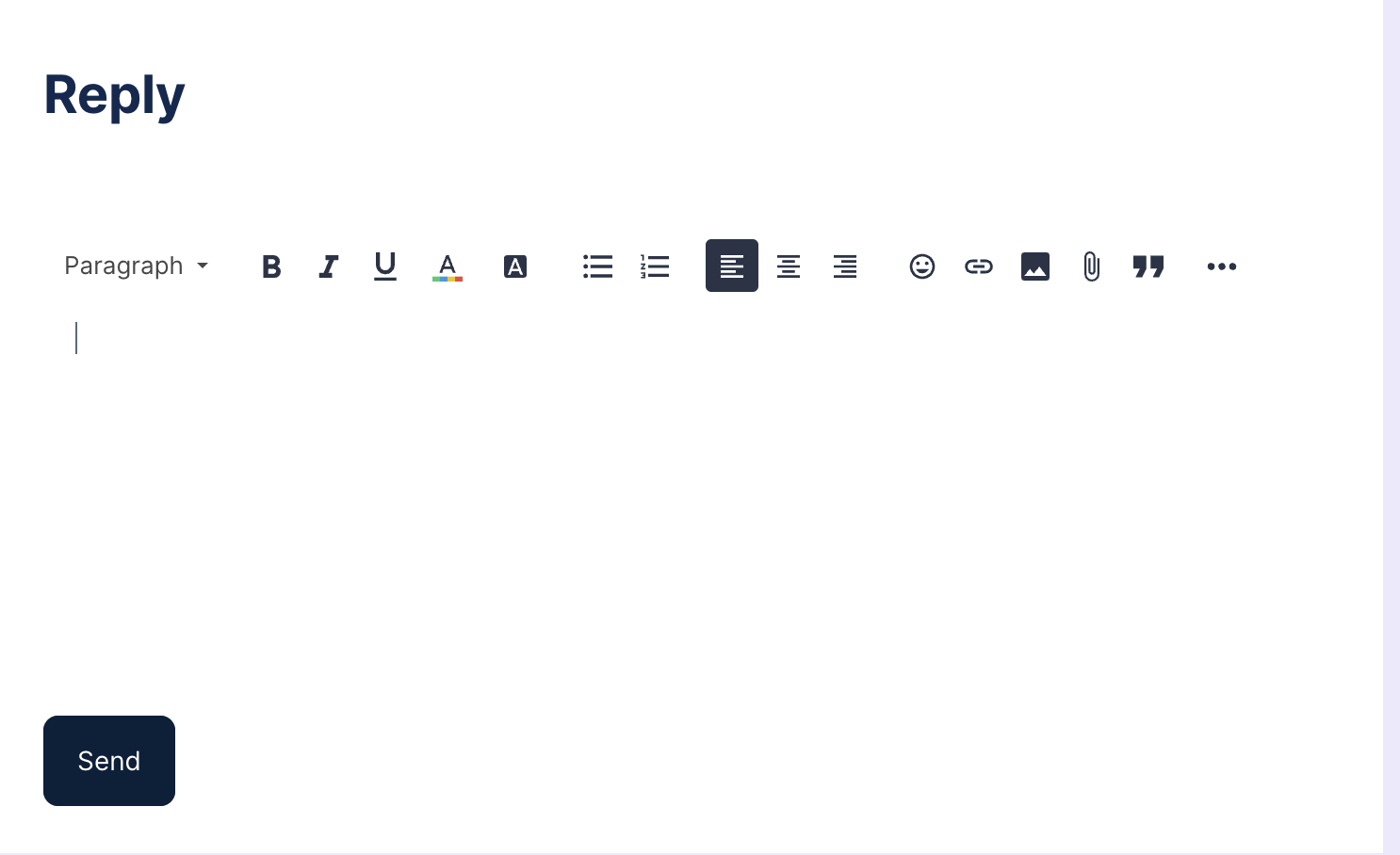
Scroll down to the bottom of this post to reply in thread! - Paste the template and fill out what you’re comfortable answering
- Click ‘Send” and you’ve posted!
You’ve created your first post on Network VIP. Who knows, this could only be the beginning!
Introduction Template (Copy, paste and fill out!)
You don’t have to answer every prompt but the more you share the more we’ll be able to get to know you. Copy and paste this template for an easy introduction post.
👤 Name/Nickname
📍 Where I’m based out of
💼 Current job title or roles
⏲ Years in the industry
👀 How did you get started with DDI? [Brief story] OR What's the most challenging DDI project you've tackled? [Short description]
🔎 What DDI topics are you currently most interested in? [e.g., automation, security, cloud integration, etc.] OR are you working on any exciting DDI projects right now?
📈 What do you hope to gain from this community? [Learning, networking, problem-solving, etc.]
😂 Your best DDI-related joke or pun: [If you have one, share it here!]